Stock take & reconciliation
Turn physical inventory checks into a structured review process.
Explore solutionPLATFORM CAPABILITY
Connect physical equipment to a searchable digital record.
CONNECT EQUIPMENT TO OPERATIONS
Identify tagged equipment with a compatible RFID handheld reader. ZOVYX connects scans with asset records to support equipment identification and physical inventory checks across locations. Reader compatibility, tag selection and the operating environment are assessed as part of your implementation.
ASK about this solution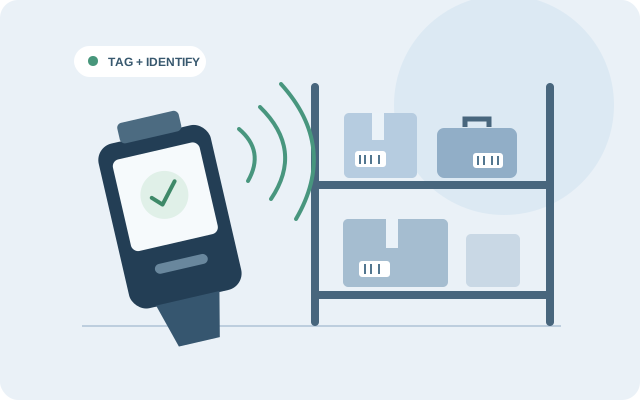
Yes. They serve different identification workflows. We will review your equipment and scanning requirements to help determine a suitable combination.
UNDERSTAND THE WORKFLOW
RFID asset tracking links a tag read by a compatible scanner to an equipment record. A scan helps identify which asset was checked; its recorded location and history provide context. A handheld stock-take scan does not, by itself, provide continuous real-time positioning.
CONNECTED CAPABILITIES
Turn physical inventory checks into a structured review process.
Explore solutionCoordinate equipment across branches, locations and teams.
Explore solution