RFID asset tracking
Connect physical equipment to a searchable digital record.
Explore solutionPLATFORM CAPABILITY
Turn physical inventory checks into a structured review process.
CONNECT EQUIPMENT TO OPERATIONS
Compare the assets expected at a location with the equipment your team actually scans. Stock-take sessions bring expected, scanned and unexpected assets into one review workflow, helping teams investigate discrepancies without merging separate spreadsheets.
ASK about this solution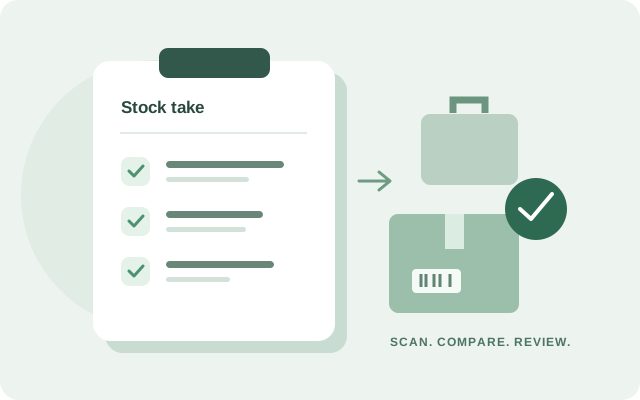
ZOVYX includes asset import workflows. Share your spreadsheet column structure so we can confirm mapping and preparation before migration.
UNDERSTAND THE WORKFLOW
An asset stock take compares the equipment expected at a location with the equipment physically checked there. ZOVYX groups expected, scanned and unexpected assets for review. Teams can investigate discrepancies before deciding which asset records need updating.
CONNECTED CAPABILITIES
Connect physical equipment to a searchable digital record.
Explore solutionCoordinate equipment across branches, locations and teams.
Explore solution